
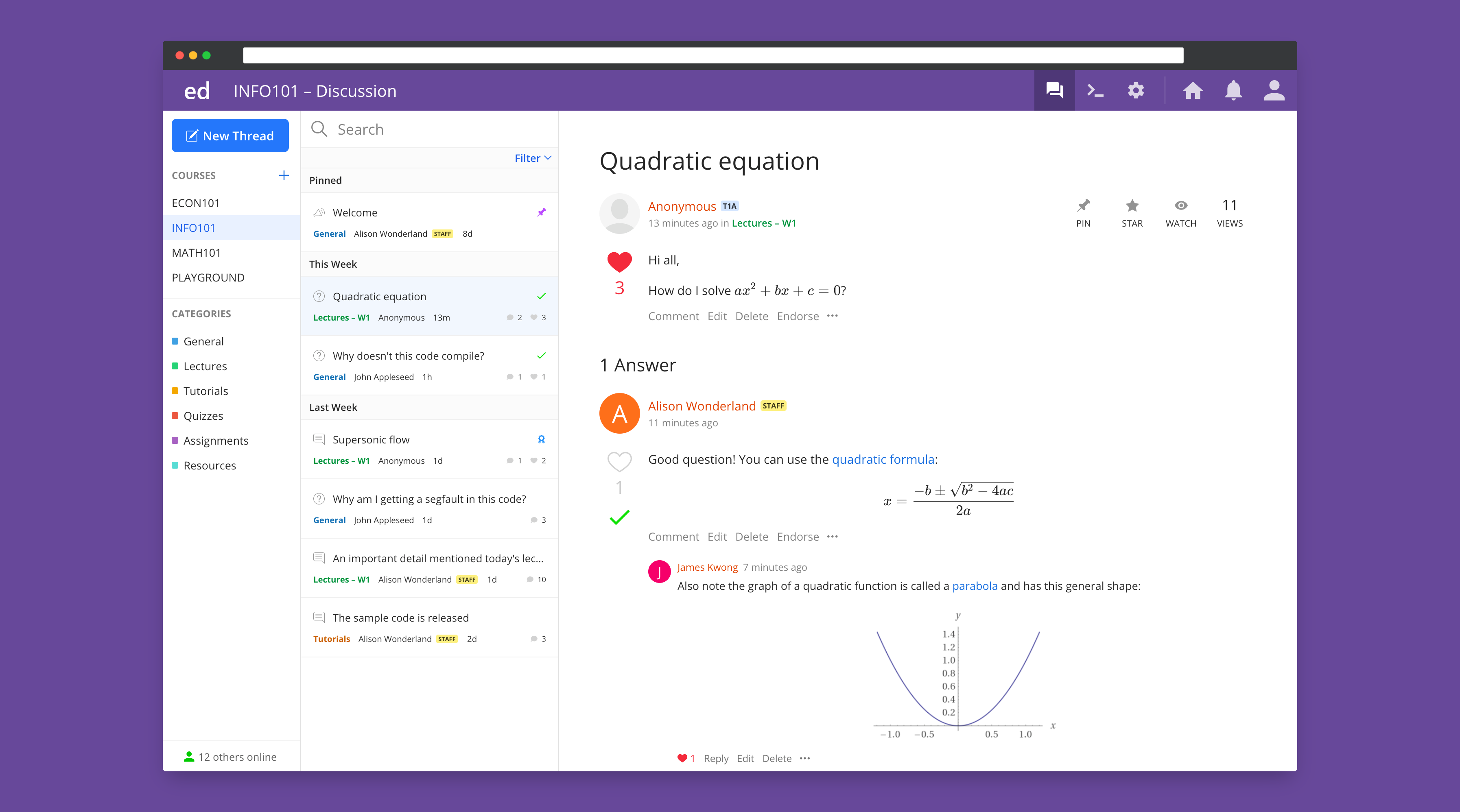
Duke supports the Ed Discussion online threaded discussion and Q&A platform. Tightly integrated with the Duke Canvas platform and offering full roster sync capability, Ed Discussion offers a wide variety of features and functionality and an intuitive user interface.
Many features like topic categorization and anonymous posting can be useful for teaching courses in any discipline, and equation and code editors are especially helpful for teaching courses with a science focus.
Follow the steps below to add Ed Discussion to your Canvas course site.
This page covers:
Adding Ed Discussion
You can add Ed Discussion to your Canvas course site in the same way you add any other tool to Canvas.
Navigate to your site, select Settings and then choose Navigation. Scroll down to the bottom of the list of items. You will see Ed Discussion under Drag items here to hide them from students. To add Ed Discussion, click on three dots next to the item, and click Enable. It will move up to the list of enabled items. You can move it to the desired spot in the menu by dragging and dropping. Click Save to apply the changes.
Get started with Ed Discussion
Great, you’ve added Ed Discussion to Canvas! Ready to spark a conversation?
Check out the quick Ed Discussion Getting Started Guide (PDF).
Get help
First, check the Ed Discussion help documentation (login required- launch Ed Discussion from Canvas first.) You can also check the FAQ below to see if your question is addressed there.
If you’re still running into issues with using Ed Discussion, email Ed Discussion or request help from Learning Innovation and we’ll help troubleshoot your issue.
Frequently Asked Questions
Help! I’m having trouble with Ed Discussion.
We are still working to document any issues that aren’t included in Ed Discussion help documents. Check out this page first to see if your question is answered in the official documentation: Ed Help